


Vanado - Digital platform

.svg)
.svg)


Getting started
Rethinking the warehouse interface
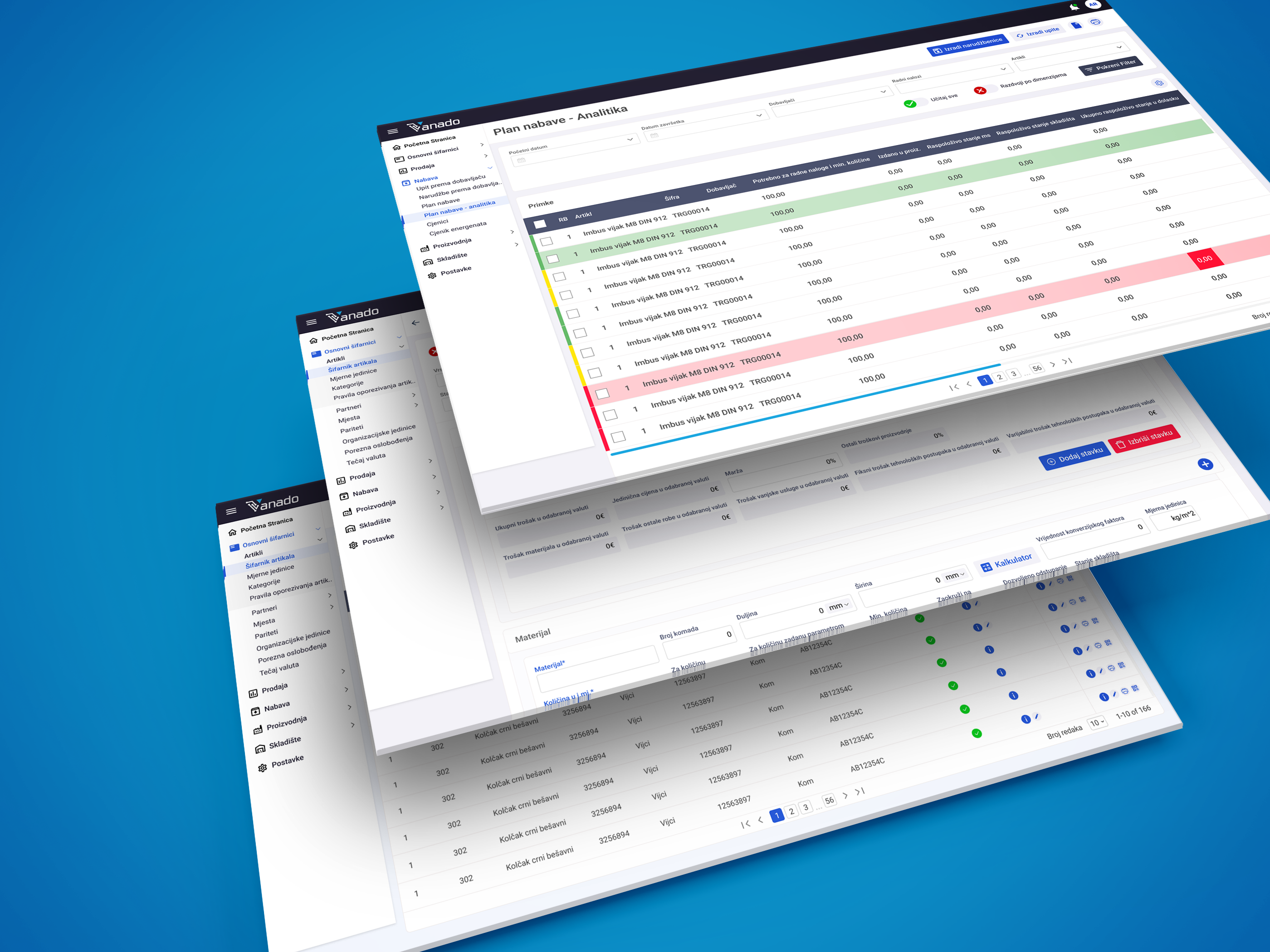
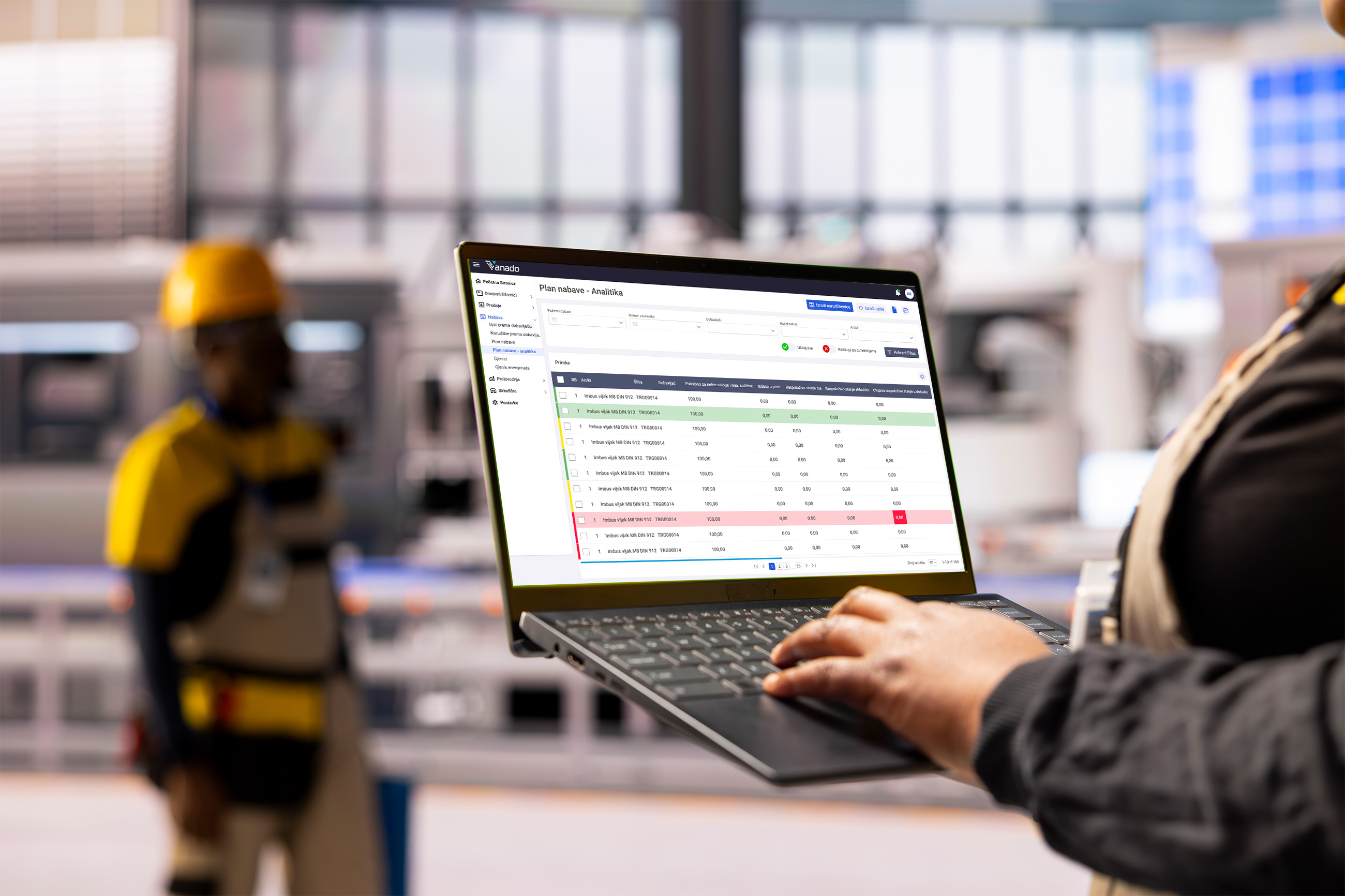
Vanado approached us with a clear operational challenge: their warehouse tablet system was functional — but not intuitive. User flows were inconsistent, accessibility standards were unmet, and friction in day-to-day tasks was slowing teams down.
The goal was not just to redesign screens, but to rethink the entire digital product experience for real-world warehouse environments.
Context
A high-pressure operational environment
Warehouse teams operate in fast-paced, physically demanding settings. Users often interact with tablets while standing, moving, or multitasking. Interfaces must be:
- Instantly understandable
- Error-resistant
- Touch-friendly
- Accessible under varied lighting and physical conditions
The existing product lacked flow consistency, visual hierarchy, and accessibility compliance — creating unnecessary friction during critical tasks.
The challenge
Balancing speed, structure, and accessibility
Three key challenges shaped the project:
- Fix and optimize core user flows
Critical workflows — picking, scanning, confirming, reporting — contained redundant steps and unclear states. - Design for tablet-first usability in warehouse conditions
Interfaces needed large touch targets, clear feedback states, and simplified navigation. - Achieve WCAG compliance
Accessibility had to be embedded into the foundation — including color contrast, focus states, readable typography, and clear interaction cues.
My role
Product strategy, UX redesign, and accessibility implementation
At Moin Studio, we led the product redesign end-to-end:
- Audited existing user flows and identified friction points
- Mapped optimized task flows for warehouse use cases
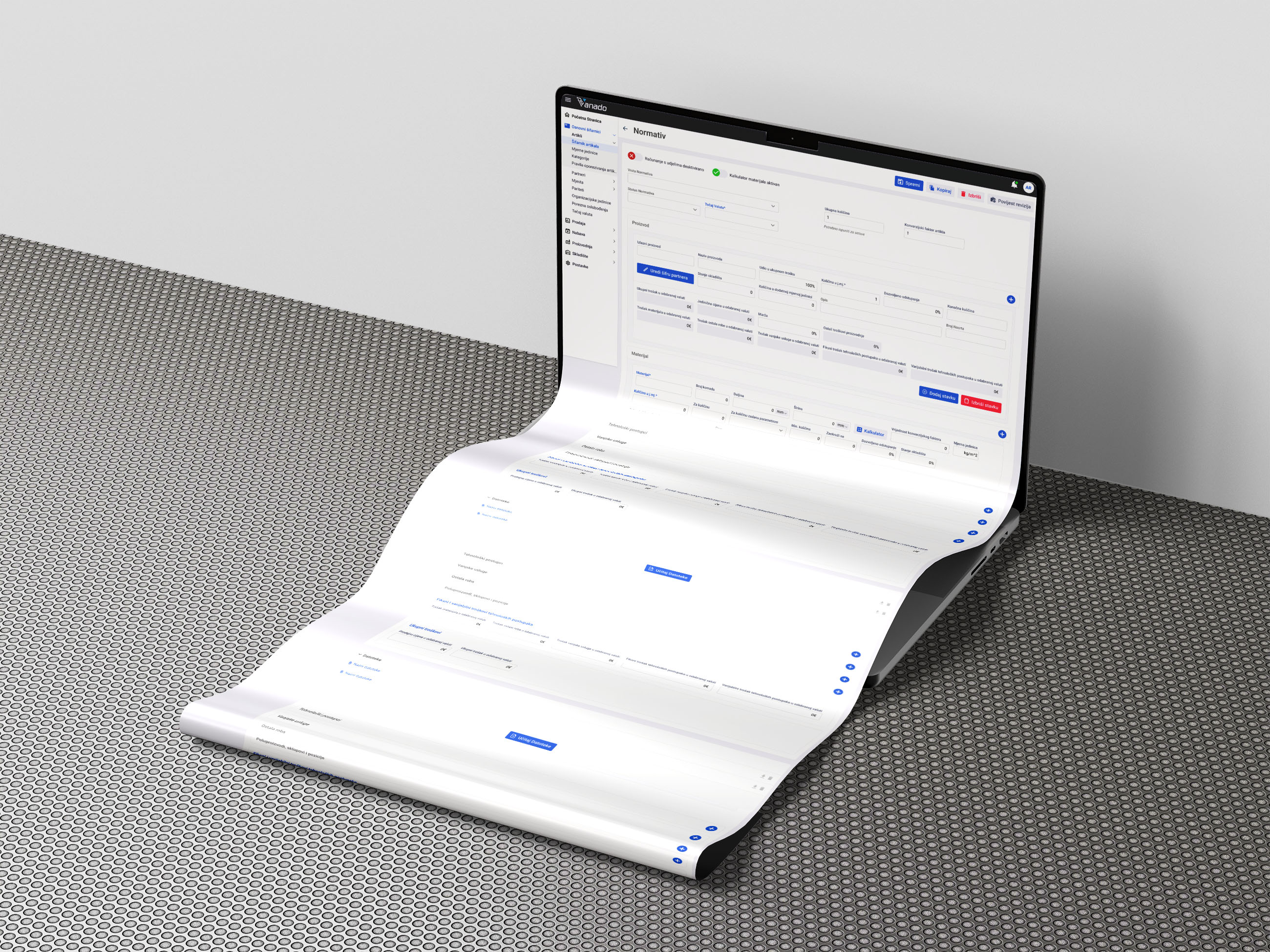
- Designed a tablet-first interface system
- Implemented WCAG-compliant color, typography, and interaction standards
- Built a scalable component library for future product updates
We worked closely with stakeholders and technical teams to ensure the redesigned experience was practical, efficient, and development-ready.
User insights
Designing for real working conditions
Through stakeholder workshops and operational reviews, we uncovered several key realities:
- Users value speed over visual complexity
- Clear system feedback reduces costly mistakes
- Gloves, movement, and varied lighting impact interaction
- Accessibility benefits everyone — not just edge cases
These insights shaped every decision — from button sizing to screen hierarchy.
The solution
A streamlined, accessible warehouse tablet experience
⦿ Optimized task flows
We restructured the user journeys to remove redundant steps and surface primary actions clearly. Each workflow now follows a logical, predictable structure — reducing cognitive load and training time.
⦿ Tablet-first interaction design
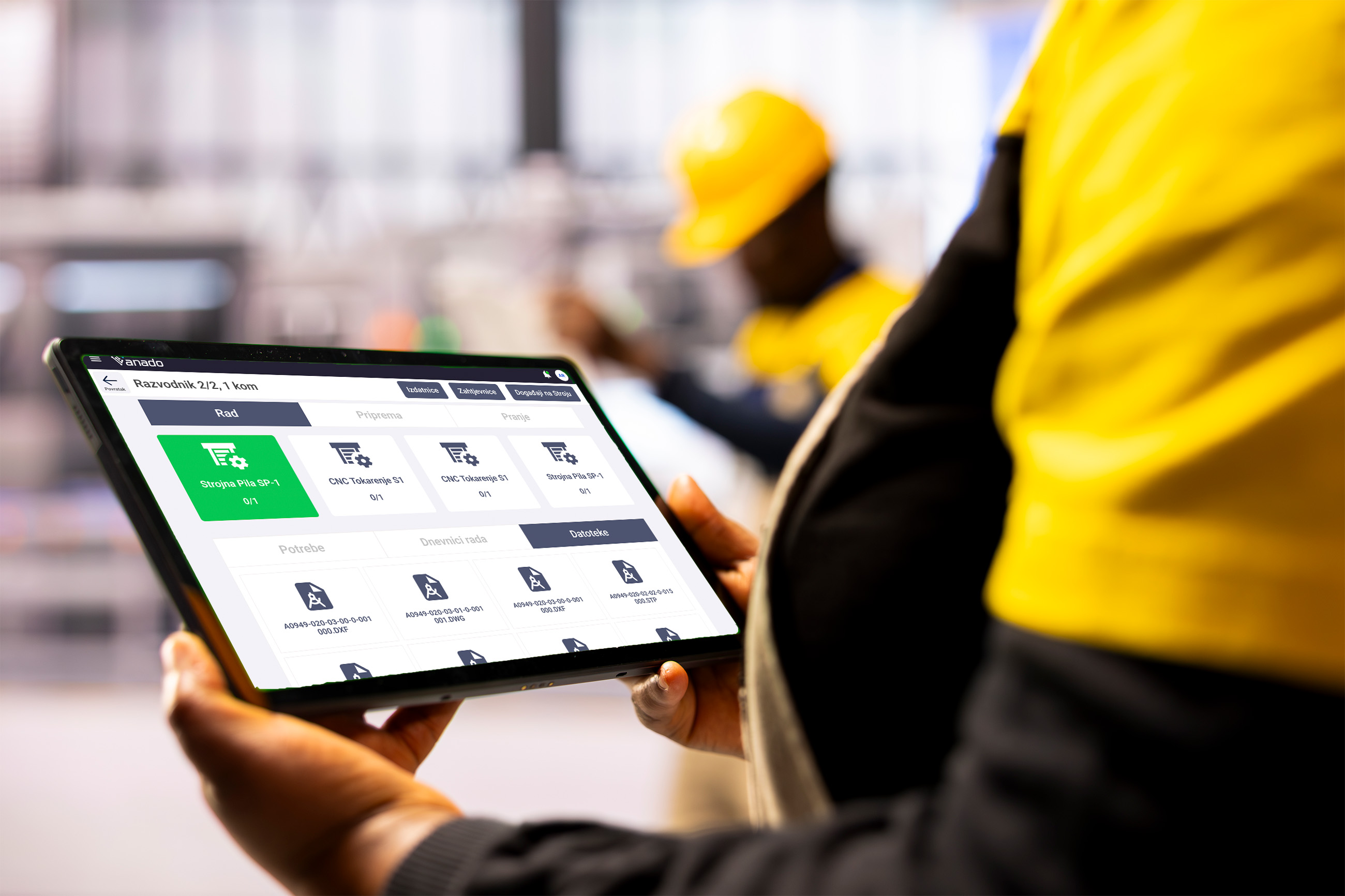
The interface was designed specifically for tablet ergonomics:
- Large, thumb-friendly touch targets
- Clear visual feedback for actions and errors
- Persistent navigation for critical functions
- Minimal screen clutter
⦿ WCAG-compliant design system
Accessibility was built into the foundation:
- High-contrast, compliant color combinations
- Legible typography with scalable sizing
- Clear focus indicators and feedback states
- Consistent iconography and labeling
This ensured inclusivity while also improving usability for all users.
⦿ Modular component system
We created a flexible UI system that allows Vanado to expand features without sacrificing consistency — ensuring long-term scalability.
Impact
Faster workflows. Fewer errors. Greater clarity.
The redesigned product resulted in:
- Improved task completion efficiency
- Reduced user confusion and operational mistakes
- Better onboarding for new warehouse staff
- A fully WCAG-compliant foundation
- A scalable design system ready for future growth
The interface now supports the speed and precision required in warehouse operations — rather than slowing it down.
Learnings
⦿ Accessibility strengthens usability
Designing for WCAG compliance didn’t restrict creativity — it enhanced clarity and structure across the product.
⦿ Environment shapes interaction
Designing for warehouses requires understanding context deeply. Physical conditions, task urgency, and ergonomic realities must shape digital decisions.
⦿ Shout-outs
A huge thanks to the Vanado team for their operational insights, collaborative workshops, and commitment to building a more accessible and efficient product experience.
If you’d like, I can also create a shorter, more punchy version for a portfolio grid preview — or a more strategic version aimed at enterprise clients.


.png)


